The "Items" tab in Collections presents all the companies which have been saved into that collection.
A full walkthrough of this tab can be seen in the video below:
Here are some key features to be aware of in this tab:
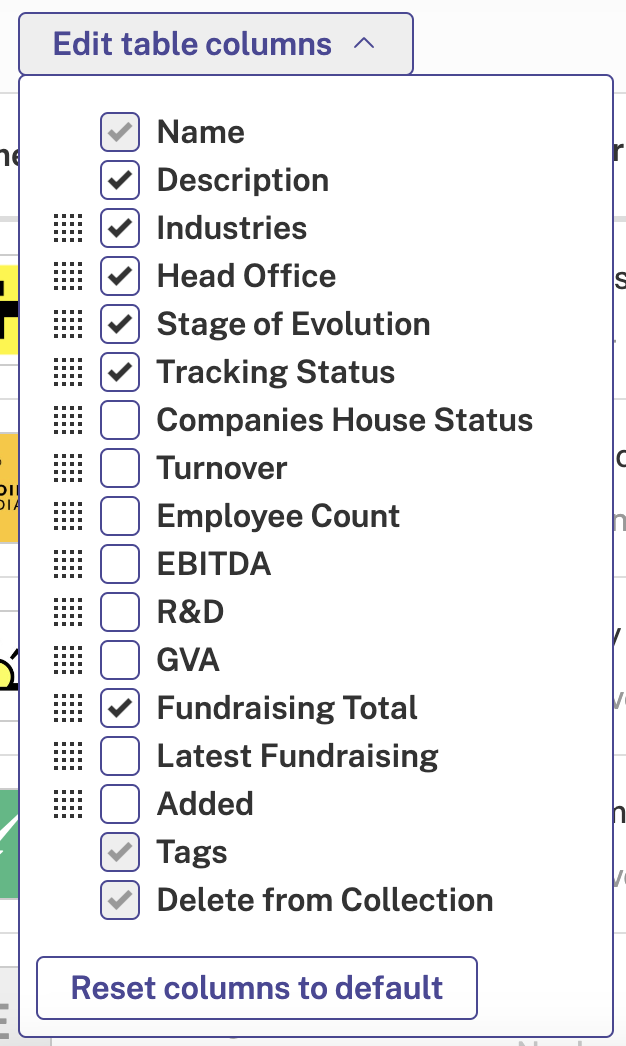
Edit table columns
This functionality allows you to tailor the results table so that you see data points in Advanced Search results which are relevant to you.
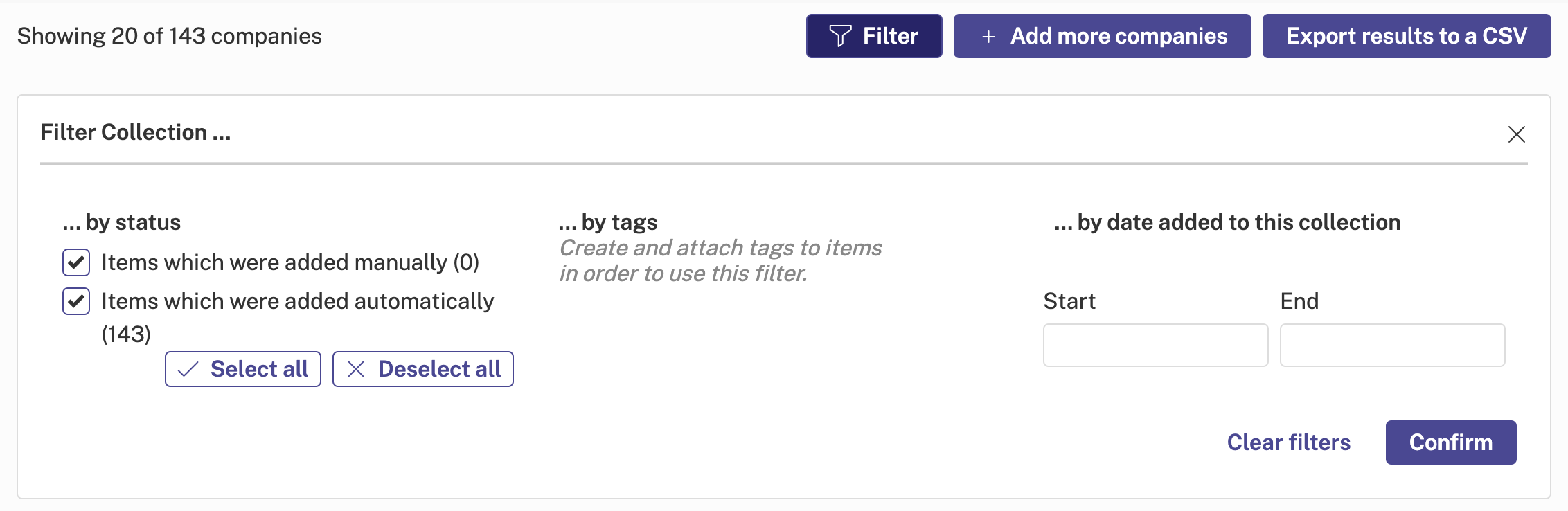
Filter through companies
Narrow down the companies within your collection using the available filters.
Add more companies
Add more companies to your collection, either by typing in names manually or uploading a file from your computer.

Export results to a CSV
Download data from the platform. For more information on exporting data from the platform, please see our How to Run a CSV Export article.