How to find your competitors
Understanding who your competitors are isn’t always straightforward. The UK and German business markets are dense — and while you may know some of the topline competitors, it’s easy to miss out on the whole picture of the market. Your biggest threat could be someone you’ve never even heard of. So, how can you find them?
Start by researching your industry thoroughly. Industry reports, trade publications, and market analyses often list key players, as well as providing you with a better understanding of the market as a whole.
Online searches using relevant keywords or phrases can also reveal businesses offering similar products or services — just think “what would my customers search for?”, and what you see on page one of Google is what they will see.
It’s also worth monitoring social media and advertising channels to see which companies are targeting similar customer segments. Which of your competitors are on LinkedIn? Who is running Google Ad campaigns? If your competitors are getting in front of customers using these tools, you might want to as well.
You can also analyse your customers directly. Ask them who else they considered when choosing your product or service. Sales and business development teams often have valuable insights about which competitors come up in conversations or deals, so make sure they’re asking those questions.
Don’t forget to look at indirect competitors as well; businesses solving the same customer problem in a different way. They might not seem like direct rivals at first but they can still take a fair market share and compete for the same budget you’re accessing within prospective clients.
Using Beauhurst to find your competitors
One simple and easy method to find your competitors is to use a searchable database such as Beauhurst. So, let’s break down how you can do that.
When using Beauhurst to identify competitors, the first step is to define your criteria based on the likely attributes of your competitors, and put that into the Beauhurst Advanced Search tool. For example there are a number of ways you filter your search results, such as:
- Industry and buzzwords
- Location
- Size or stage of growth
- Funding status
- Company keywords and descriptions
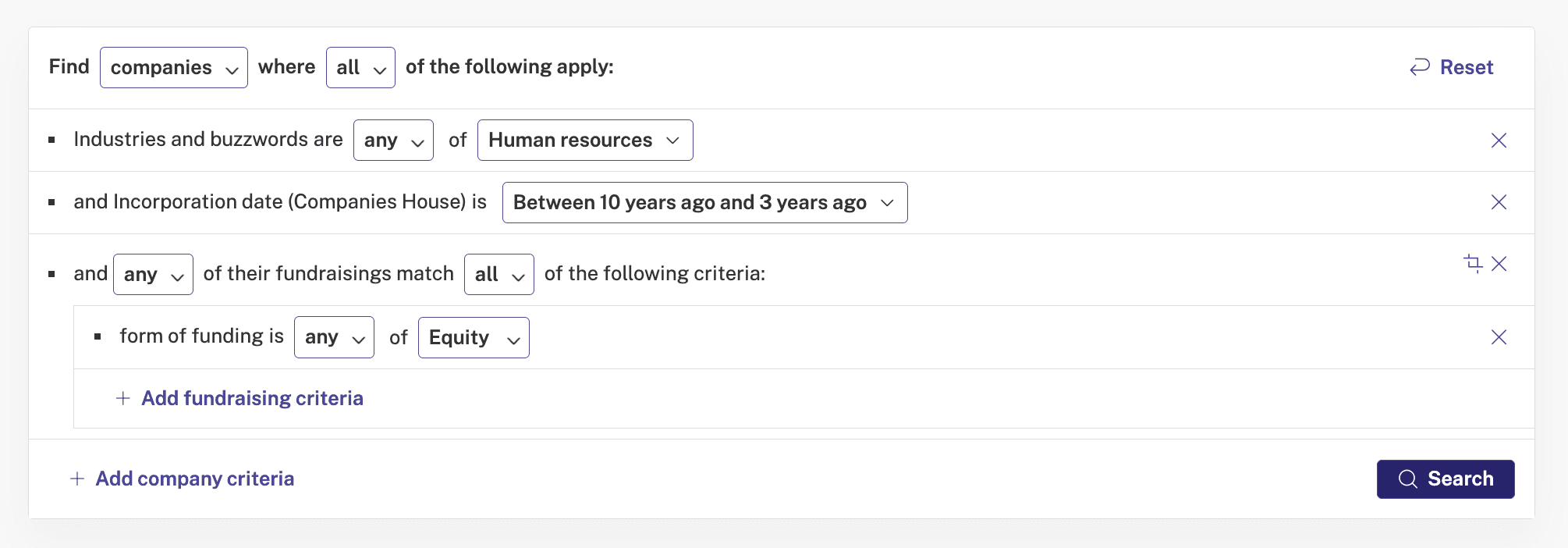
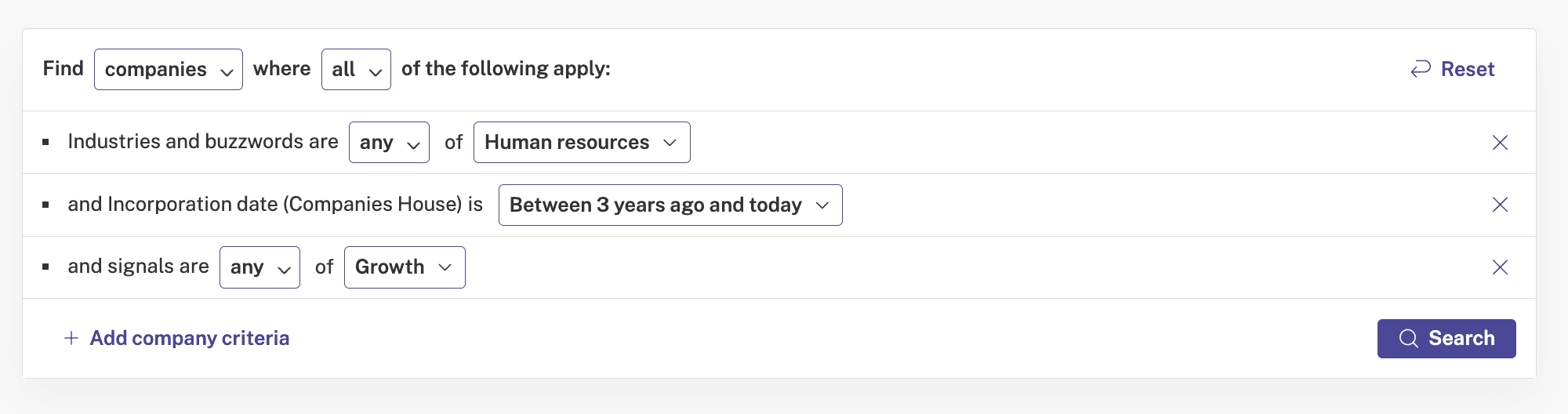
For example, imagine you sell HR services in London, you’ve recently incorporated. You’ll want to look at similar companies that are a bit more established than you, so you know who to target. You could build a search on Advanced Search using these filters:
- Industry: Human resources
- Businesses that have been open at least three years, but a maximum of 10 years
- That have gained some equity funding